What does CopyTraderTool do?
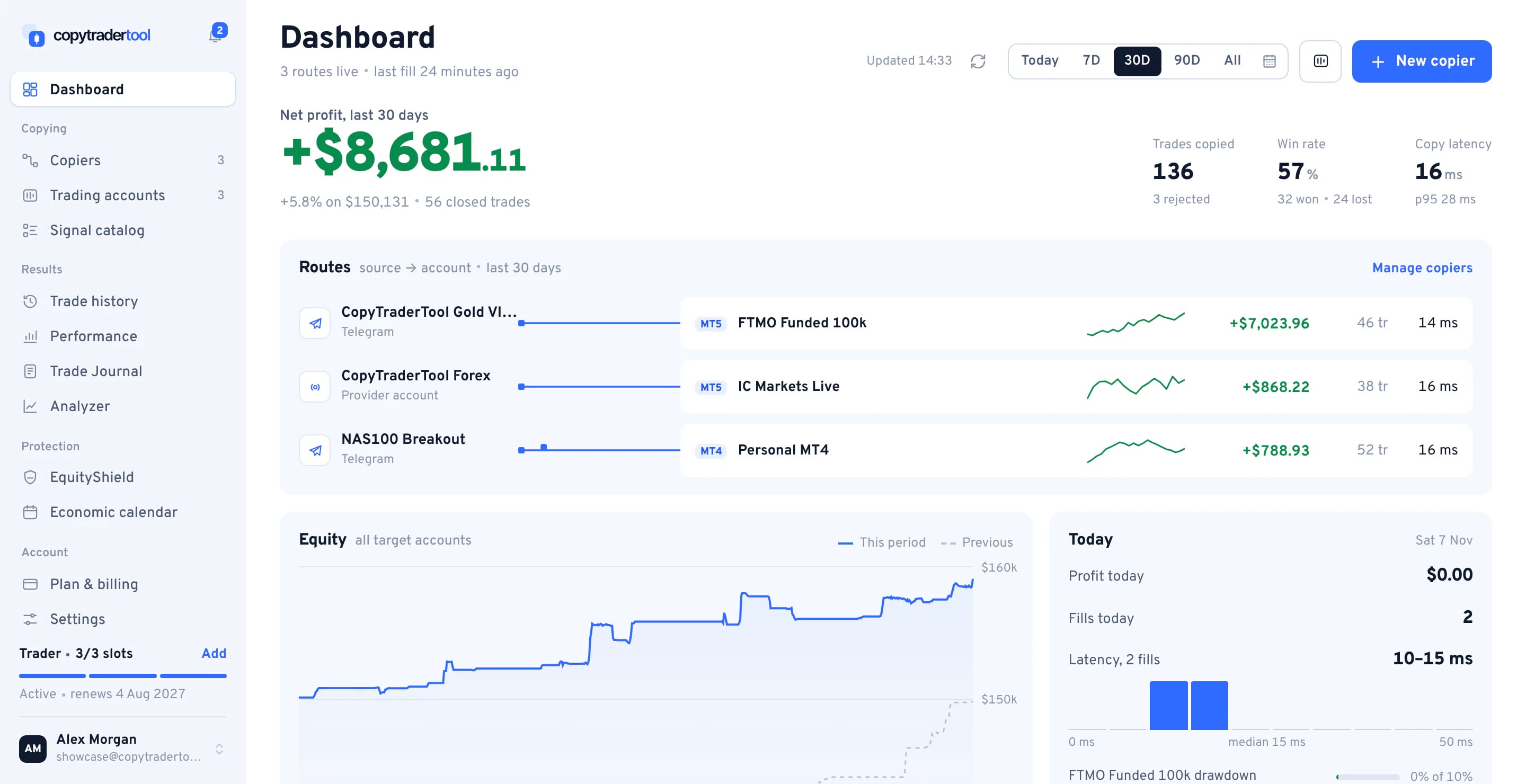
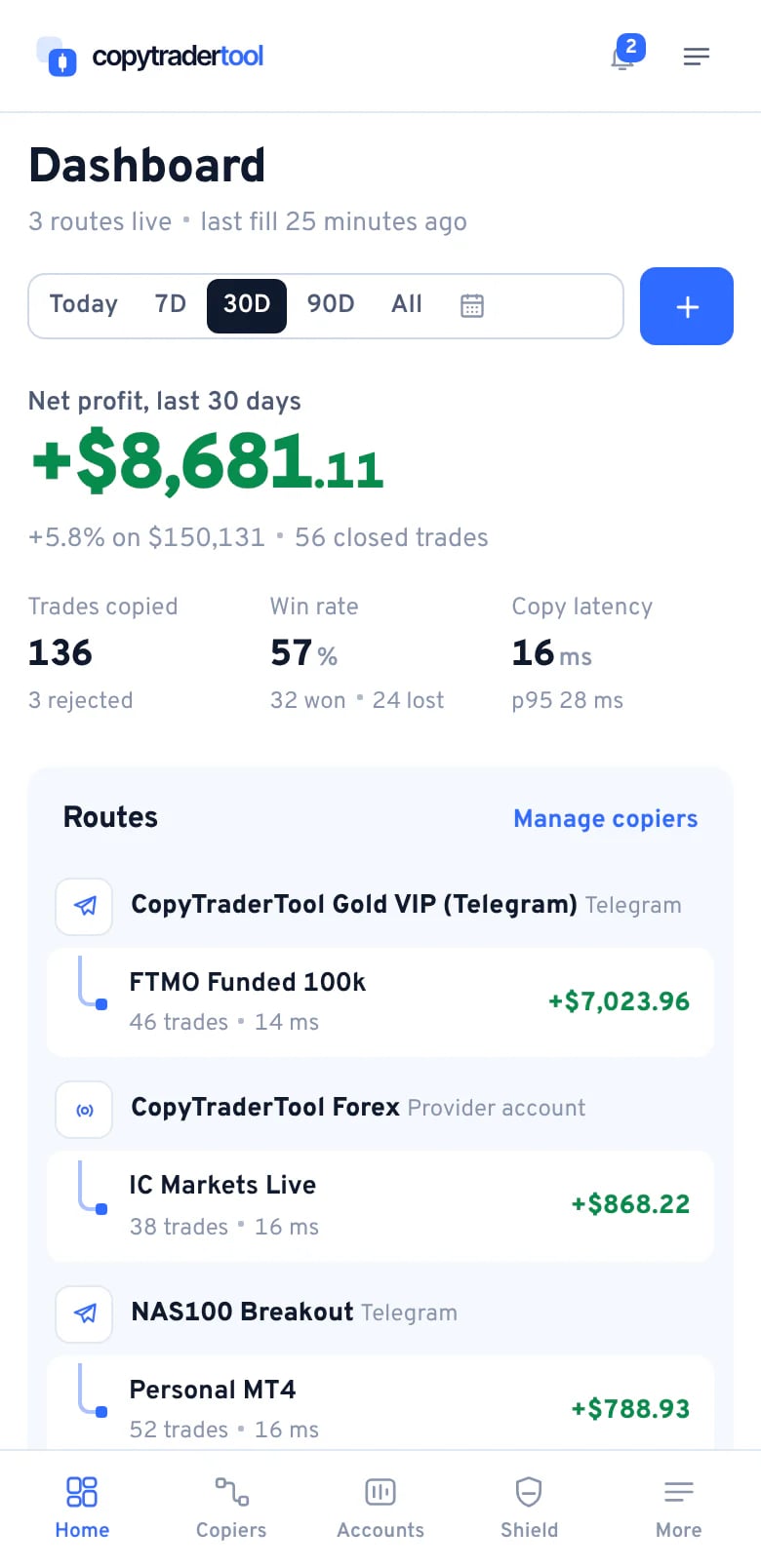
It copies trades into your MT4 or MT5 accounts from another MT4/MT5 account, a Telegram signal channel or a provider in our catalog. The copier runs on our servers around the clock; you manage it in the browser on desktop or phone.
How long does setup take?
Usually about ten minutes. Add your account (pick the broker server, enter login and password), choose a source, pick a settings preset and switch the copier on. You can send a test trade to the copier before you rely on it.
Do I need to install anything?
No. There is no EA, no MetaTrader terminal to keep open and no VPS to rent. Everything runs in our cloud; you only need a browser on your computer or phone.
Is there a mobile app?
The web app works on any phone. Open it in Safari or Chrome and choose Add to Home Screen: it gets its own icon and opens full screen, like an app. There is nothing to download from a store.
What can I copy from?
Your own MT4/MT5 account (or anyone's, with an investor password), a master account or Telegram channel from our catalog, or your own private Telegram channels through your Telegram connection (beta). All of them use the same settings, the same EquityShield rules and the same trade history.
Can I try it without paying?
Yes. Every plan billed yearly starts with a 7-day free trial, and Starter billed monthly with a 3-day free trial. A card is required to start it, nothing is charged during the trial, and we email you before the trial ends. Your first payment after that is covered by a 7-day money-back guarantee.
Can I test on a demo account first?
Yes. Demo servers are marked in the server list and work like live ones. Each copier also has a Send test trade button that fires a trade to that copier only, so you can watch the full path without touching the source.
Do you give trading advice or trade for me?
No. CopyTraderTool is software that replicates trading actions between accounts you control. We do not manage money or give investment advice. Statistics shown for catalog providers are historical and do not predict future results.
Which brokers are supported?
Any broker that offers MT4 or MT5 hedging accounts. The server picker lists more than 120 brokers and prop firms. If your server is missing, email support and we add it.
Can I copy between MT4 and MT5, or between brokers?
Yes. MT4 → MT5, MT5 → MT4 and copying across different brokers all work. Symbol names are matched automatically (see symbol mapping).
Are MT5 netting accounts supported?
No. A netting account merges every trade on a symbol into one position, so copied trades can't be tracked one by one. Use an MT5 hedging account; most brokers open hedging accounts by default.
Investor password or trading password?
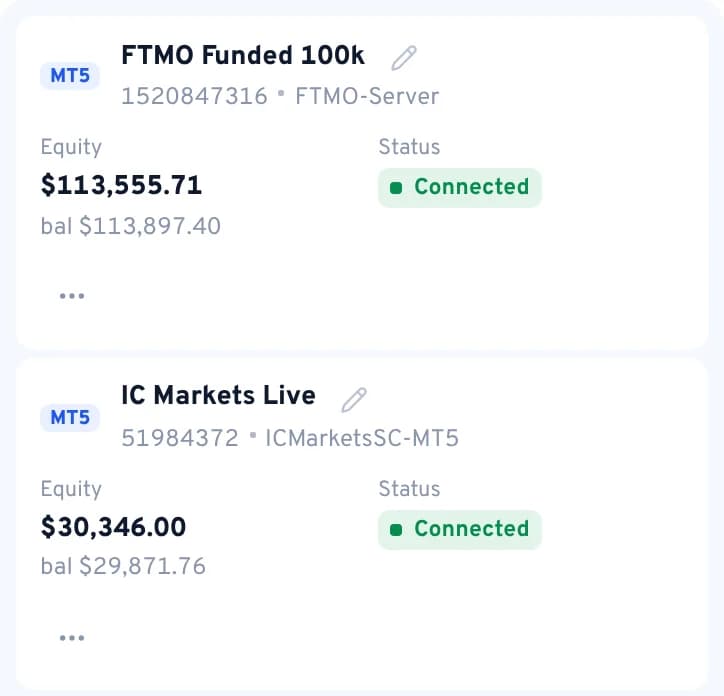
For a source account the investor (read-only) password is enough. A target account needs the trading password so orders can be placed. We detect read-only access when the account connects; if a target turns out to be read-only, copiers into it are paused with a clear message.
Does it work with prop-firm accounts?
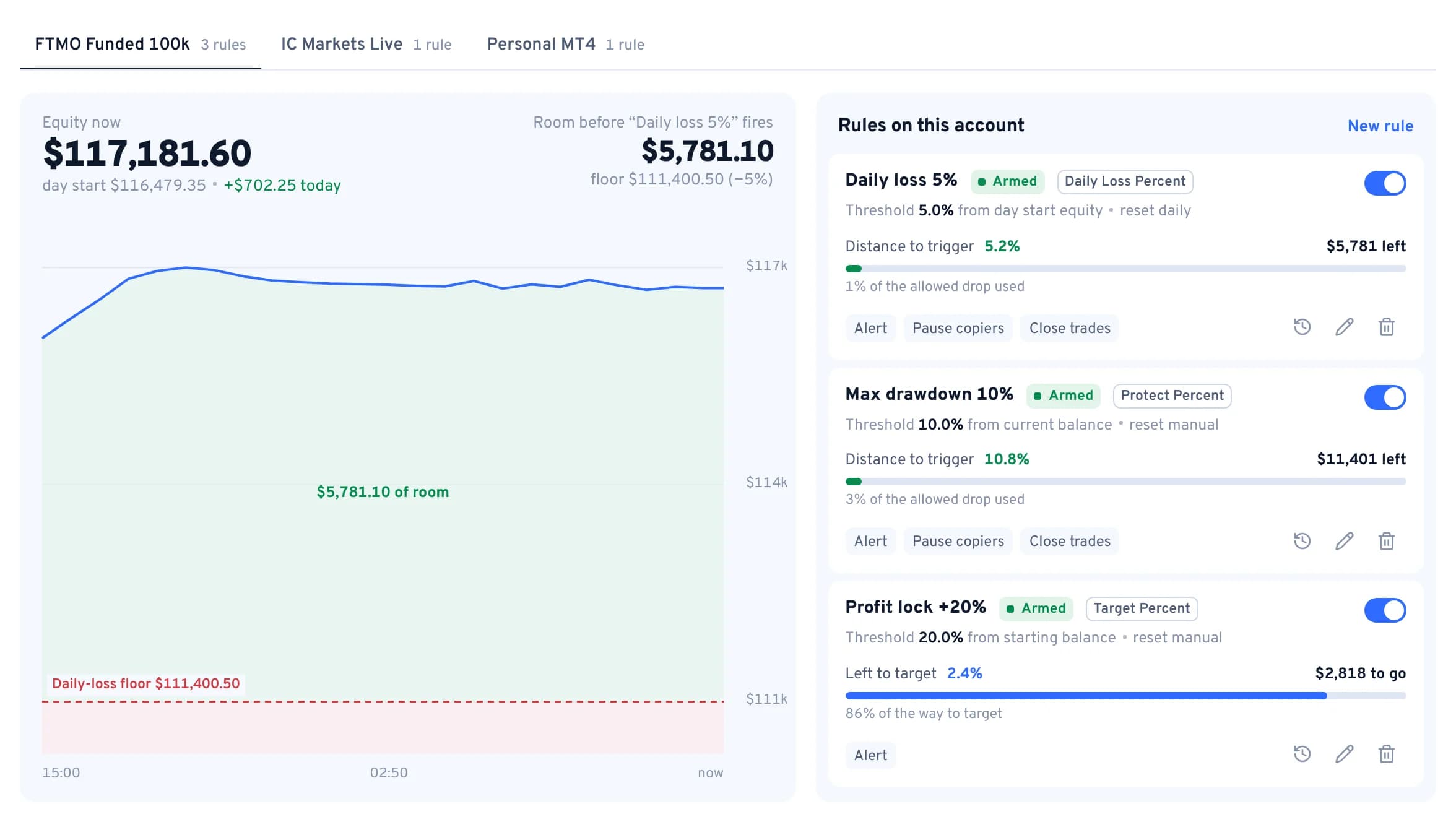
Yes, prop firms running MT4 or MT5 are in the server list. There is a Prop-firm safe preset (equity-based sizing, lot cap, news pause) and EquityShield can enforce a daily-loss or max-drawdown line. You are responsible for following your firm's rules on copy trading.
How many accounts can I connect?
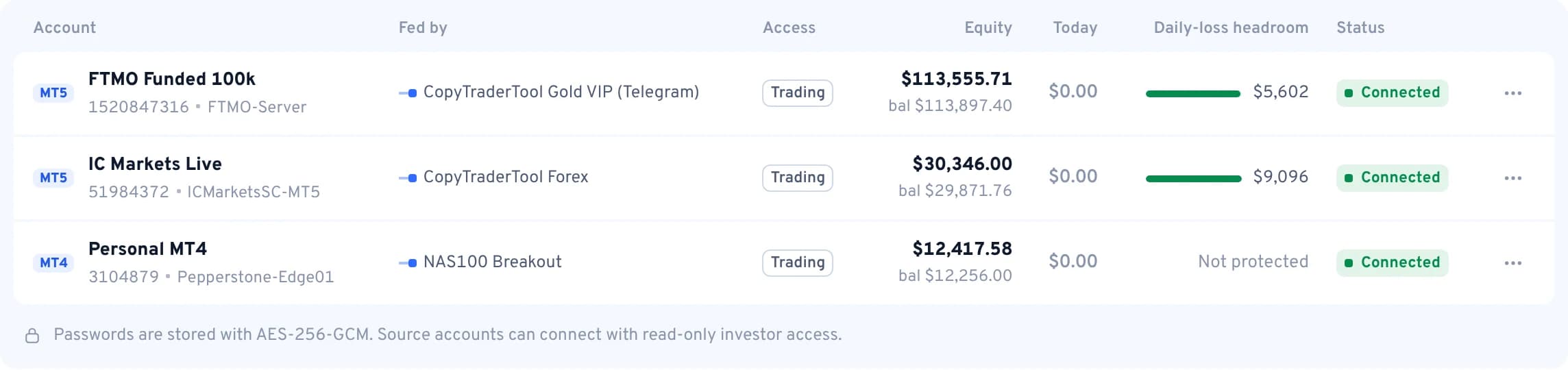
Connecting accounts is free. You pay for copiers: one copier is one source into one of your accounts. One source can feed several of your accounts, each link being its own copier.
My accounts are in different currencies. Is that a problem?
Risk by balance and risk by equity compare the raw numbers without currency conversion. If the source is in USD and your account in EUR, use lot multiplier or fixed lot, or adjust the multiplier to compensate.
What if I change my broker password?
Edit the account in the app and enter the new password; the connection is re-established. Until then, copiers into that account can't place orders and the account shows as disconnected.
Which Telegram channels can I copy?
Any channel in our catalog, including partner VIP channels: our own account reads them, so you don't connect your personal Telegram. You can also connect your own private channels through your Telegram connection; that option is in beta. If you run a channel, apply on the Become a provider page; if you follow one that isn't listed, tell us which.
Which signal formats are recognised?
AI signal recognition reads signals the way a trader does: any format and any language, with or without emoji, for example XAUUSD BUY NOW 2350-2355 SL 2340 TP1 2360 TP2 2370 or GOLD SELL @ 2410.5 / sl 2420 / tp 2400, 2390. There are no templates to set up. An entry zone is filled at its midpoint, buy limit / sell stop become pending orders, and symbol names are mapped to your broker.
What about follow-up messages like “close half” or “move SL to BE”?
They are followed. close, close half / close 50%, close all, move SL to BE / breakeven, sl 2345 and tp 2360 act on the trades opened from that signal, whether they are posted as a reply or as a new message.
What if the channel edits the original signal?
If an edit changes the SL or TP, the copied trades are modified to match (when your copier copies SL/TP as is). Edits that only fix a typo or add an emoji change nothing. An edit never re-opens or re-sizes a trade.
How are signals with several TPs handled?
Your choice per copier: take only the first TP, open each TP as its own trade (the volume is split between them), or use one trade at the average TP.
Signals have no lot size. How big is my trade?
Usually risk percent: the lot is sized so that hitting the signal's SL loses the chosen share of your balance. Example: 1% of $17,000 with the SL 8.50 away on XAUUSD → 0.20 lots. You can also use a fixed lot, and skip signals that have no SL.
Are chart screenshots copied?
Yes. When a channel posts a chart or a screenshot with the entry, stop and targets on it, the levels are read from the image just like a text signal. If an image has no readable levels it is skipped and logged. General chatter like “Good morning traders” or “+350 pips” never opens a trade.
What if a signal arrives late?
Set a maximum signal age. Signals older than that are skipped and logged with the reason, so a delayed post never opens a trade at a price that has already moved away.
How is the lot size calculated?
Five modes. Risk by balance: your balance ÷ source balance × source lot × multiplier (a $10,000 source opening 0.50 → 0.10 on your $2,000). Risk by equity: the same with equity. Lot multiplier: source lot × multiplier (0.10 × 2 = 0.20). Fixed lot. Risk percent from the SL distance. The result respects your min and max lot and the broker's lot step.
What are presets?
Ready-made settings you can apply in one click: Balanced, Low risk, Prop-firm safe, Telegram signals and Scalper. Each starts from the defaults, and you can change any field afterwards.
My broker calls it GOLD, mine XAUUSD.m. Do I map symbols by hand?
Rarely. The copier tries an exact match, then your broker's suffix (.m, +, .pro, …), then common aliases such as GOLD → XAUUSD or DJ30 → US30. You can add your own mappings and disable symbols you never want copied.
How are SL and TP copied?
Per copier: same as source, none, or fixed pips, with optional spread adjustment. With “same as source”, later SL/TP changes on the source are followed too.
Are pending orders copied?
Yes, by default. Limit and stop orders are placed, modified and cancelled on your account before they fill. You can turn pending orders off per copier.
Can I copy in reverse?
Yes. Reverse copying turns buys into sells and sells into buys, with SL and TP swapped.
Can I filter what gets copied?
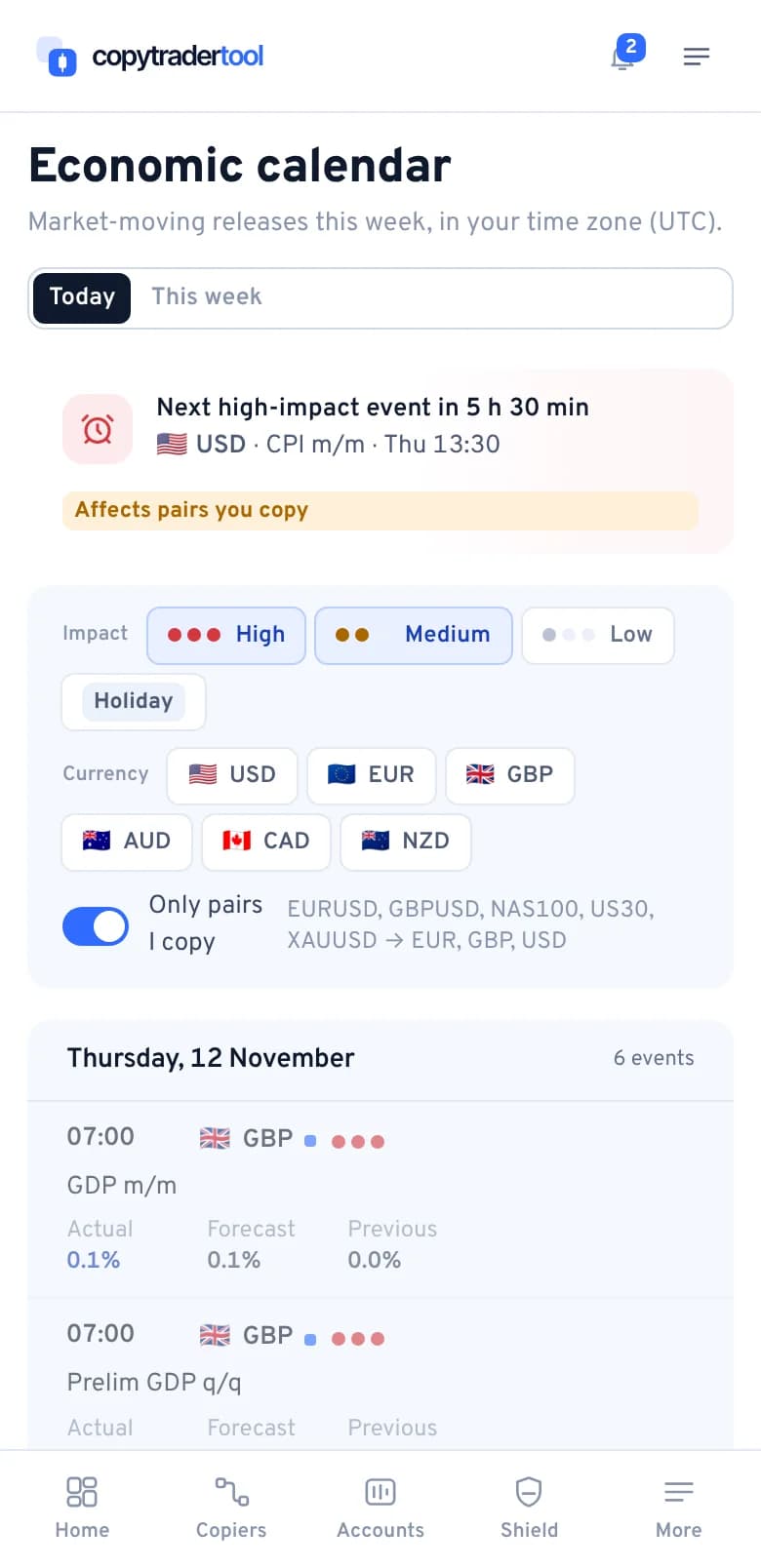
Yes: buy-only or sell-only, a time filter (days and hours in your time zone), a news filter that pauses new entries around high-impact events, max open trades, max slippage, a duplicate check and disabled symbols.
Are trades that are already open copied?
Only if you want. Turn on “copy existing trades” and positions already open on the source are copied when the copier starts; otherwise only new trades are copied.
What do On, Manage only and Off mean?
On copies everything. Manage only opens nothing new but keeps managing trades already copied (closes, partial closes, SL/TP changes). Off stops the copier.
Is there breakeven and trailing stop?
Yes. Move the SL to entry once a trade is a set number of pips in profit, and/or trail the SL at a fixed distance. Both are managed on our servers per copied trade.
What is EquityShield?
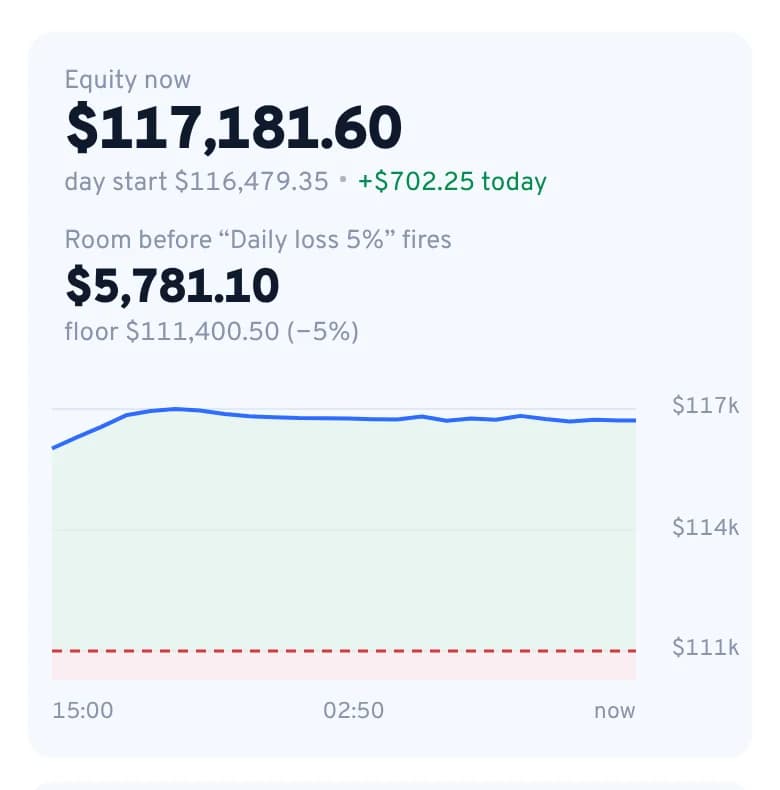
Rules on an account that act when equity crosses a line: protect a value, protect a percent, a daily loss percent, or lock in a target. The action is your choice: email alert, alert + disable copiers, or alert + disable + close all trades. Daily rules re-arm at 00:00 UTC.
What does STOP ALL do?
It switches every copier off at once, and can also close all open positions on your target accounts. It is on the Trading accounts page and works the same on your phone. Resume brings the stopped copiers back.
What happens if your servers or my broker disconnect?
Open trades stay at your broker with their SL and TP, which are broker-side orders. Connections reconnect automatically, and a reconnect never places a second order for the same signal. If a target is offline when a signal arrives, the copy is logged as failed and you can get an email. Breakeven and trailing pause until the connection is back.
How are my broker passwords stored?
Encrypted with AES-256-GCM, with keys kept separately from the database. They are decrypted only in memory by the connector that keeps your account online. Staff cannot see them. They are deleted when you remove the account.
Can you withdraw money from my account?
No. A trading password can open and close trades but cannot withdraw; withdrawals happen in your broker's client area with a different login. Your money never leaves your broker and we never hold funds.
Is two-factor authentication available?
Yes. Turn on 2FA in Settings and confirm sign-ins with any authenticator app.
How fast is copying?
Every copied trade has its latency measured and saved in History, from the source event to the order sent to your broker. Inside our cloud it is typically tens of milliseconds. Your broker's own execution adds its time on top, and that part we don't control.
Does it run when my computer is off?
Yes. Copiers run on our servers 24/7, and connections reconnect by themselves.
A trade wasn't copied. How do I find out why?
History lists every copy attempt with its status (executed, rejected by a rule, rejected by the broker, skipped or failed) and a reason, such as an unmapped symbol, the news filter or max open trades. You can also get an email when a copy fails.
What is a slot?
One copier: one source into one of your accounts. The same provider copied into three of your accounts is three copiers. Plans: Starter 1 copier, Trader 3, Pro 5, Elite 10.
Do sources cost extra?
No. Catalog providers and your own source accounts don't use slots. You pay only for the copiers.
How does the free trial work?
7 days free on any plan billed yearly, or 3 days on Starter billed monthly (Trader, Pro and Elite monthly have no trial). A card is required; nothing is charged during the trial. Unless you cancel from Subscription before it ends, it converts to the plan and billing period you chose. One trial per person and per card.
Monthly or yearly?
Yearly is billed once, up front, for 12 months and costs less than paying monthly: two months free on Trader, Pro and Elite, and a bigger discount on Starter. It renews yearly until you cancel, and you can switch to yearly at any time.
How do upgrades and downgrades work?
Pick the new plan in Subscription and check out: it starts right away, and your previous plan stops renewing, so you are never billed for both again. It keeps working until the end of the period you already paid for.
Can I add one copier without changing plan?
Yes. Extra slots are free during launch (the regular price is $15/month per slot on any plan), and you can add them from Subscription or right from the upgrade dialog.
Are Trade Journal and Analyzer included?
Included in Trader, Pro and Elite. On Starter they are optional add-ons (regular price $9/month for Trade Journal and $15/month for Analyzer), free during launch: add them at checkout or switch them on in Subscription. Trade Journal breaks your copied trades down by source, symbol, weekday and hour with automatic written insights; Analyzer measures growth, drawdown and risk on every connected account.
Is there a money-back guarantee?
Yes. First a 7-day free trial, then a 7-day money-back guarantee on your first payment, on any plan, monthly or yearly. Ask support within 7 days of the charge and we refund it in full. Renewals after that are not refundable, but you can cancel any time. The Refund Policy has the full rules.
How do I pay, and where are invoices?
By card through our payment partner Whop; we never see your card number. Whop emails your receipts, and payments also show up in Billing. Prices are in USD; VAT or sales tax is added where required.
Can I cancel anytime?
Yes, in one click from Billing. Future charges stop immediately and you keep access until the end of the period you paid for.
How do I contact support?
Open the live chat inside the app, email support@copytradertool.com, or use the contact form. Real people answer, not a script.
Will someone help me set up?
Yes. Write to us in the live chat and we connect your first copier together with you: broker server, source, settings and a test trade. If your broker server is missing from the list, we add it.
Which emails will I get?
Only the ones you keep on: trade opened, closed or failed, EquityShield triggers, and billing notices such as the trial reminder. Each one has its own switch in Settings.
How do I delete my account?
From Settings. Your copiers are switched off and your broker credentials are deleted within 30 days. Account and copier data is kept for 30 days after closure, then removed, except where the law requires us to keep it.